7 Best Minimalist Weather Apps for a Cleaner Home Screen

Hello Weather
Minimalist Weather (iOS)
Apple Weather App
Windy.com
Overdrop
Weawow
Weather Underground
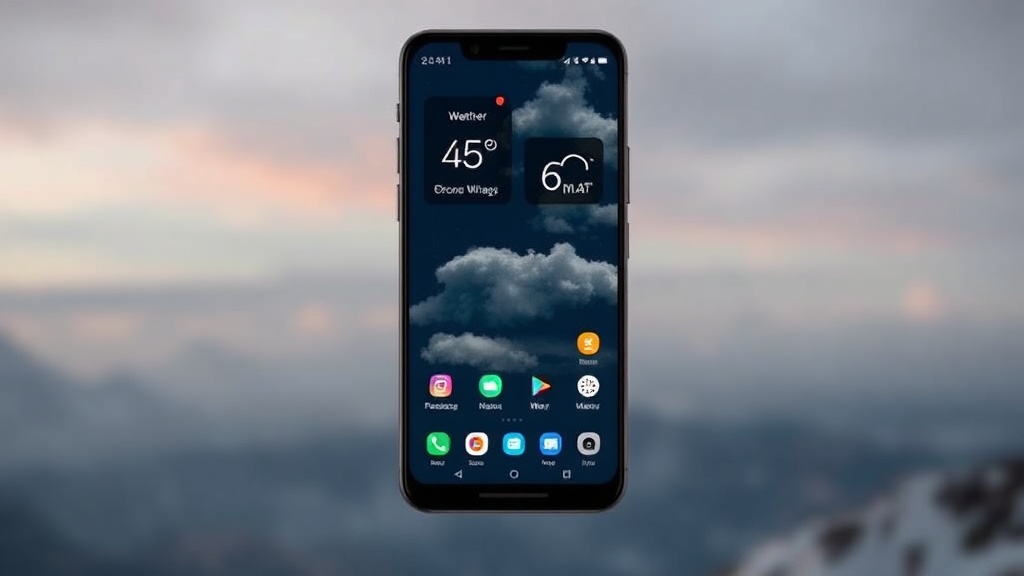
A single, thin line of white text against a deep navy background. A small, grayscale icon of a sun. No flashing advertisements, no aggressive pop-ups, and no cluttered data charts—just the temperature and a single word: Clear. This is the aesthetic of a minimalist home screen. This post explores seven weather apps that prioritize clean design and rapid information delivery over visual clutter.
Most weather apps are a mess. They want your attention. They want you to click on a sponsored article about rain gear or look at a hyper-detailed 14-day radar map that you'll never actually use. It’s distracting. If you're trying to keep your smartphone looking sleek, a cluttered weather widget is the first thing to break your aesthetic. I've tested dozens of these, and most fail the "glance test"—the ability to see exactly what you need in under two seconds.
What Makes a Weather App Minimalist?
A minimalist weather app focuses on high-contrast typography, limited color palettes, and the removal of non-essential data. It shouldn't feel like a spreadsheet; it should feel like a piece of art on your screen. The goal is to provide the most vital information—current temperature, a brief description, and perhaps the high/low for the day—without any extra noise.
When I look for these apps, I look for three things: speed, lack of ads, and a clean UI. If I have to scroll to find the humidity level, it's not a minimalist app. It's just a poorly designed one. It's also worth noting that many "minimalist" apps are actually just shells for much more complex data, which can sometimes lead to slower load times on older devices.
To keep your device feeling fast, you might want to clean up your app drawer with minimalist launcher settings to ensure these apps actually look good once they're installed.
7 Best Minimalist Weather Apps
1. Hello Weather
Hello Weather is the gold standard for users who want a "set it and forget it" experience. It offers a very clean interface that stays out of your way. You can toggle certain features off to keep the screen even simpler. It’s great because it doesn't bombard you with weather news or irrelevant trivia.
2. Apple Weather
For iOS users, the native Apple Weather app (formerly Dark Sky) is often the best choice for a clean look. It uses beautiful, high-resolution imagery that changes based on the actual weather outside. While it has plenty of data, the way it organizes it feels organic rather than forced. It's a polished experience that feels like it belongs on the device.
3. Minimalist Weather (Android)
If you're on Android, this is the one. It’s literally designed around the concept of simplicity. The app uses a very limited color palette and focuses heavily on a single, beautiful icon representing the current state of the sky. It's lightweight and won't drain your battery like the heavy-duty radar apps do.
4. Weather Underground
While Weather Underground can be quite data-heavy, its "Personal Weather Station" feature allows for a very focused view. It’s a bit more technical, but if you use it correctly, it provides highly localized data without the fluff of mainstream news apps. It’s reliable and has a long history of accuracy in the industry.
5. Carrot Weather
Carrot Weather is a bit of an outlier. It’s incredibly feature-rich, but it’s also incredibly customizable. You can actually make the app "sassy" or even "mean" with its text-to-speech responses. While it has a lot of depth, the UI is incredibly crisp. It’s perfect if you want a clean look but still want a bit of personality in your phone's daily updates.
6. Windy.com
Windy is for the person who loves maps but hates clutter. The interface is visually stunning, focusing on moving, colorful wind streamlines. It looks more like a professional-grade visualization tool than a standard mobile app. It’s great for seeing the big picture without reading a single line of text.
7. Today Weather
Today Weather is a fantastic option for those who want a beautiful widget. The design is centered around a single, large-scale view of the current weather. It’s very much a "glance-and-go" app. You don't spend much time inside the app; you just look at the widget and go about your day.
How Much Do These Apps Cost?
Most of these apps follow a "freemium" model where the basic features are free, but advanced customization or highly localized data requires a subscription. It's important to check the specific terms because some apps can become quite expensive if you opt for the premium tiers.
| App Name | Primary Style | Price Model |
|---|---|---|
| Hello Weather | Simple/Friendly | Free with Premium Subscription |
| Apple Weather | Native/Sleek | Free (iOS Only) |
| Minimalist Weather | Ultra-Minimal | Free / One-time Purchase |
| Carrot Weather | Personality-Driven | Subscription-Based |
| Windy.com | Visual/Map-Heavy | Free / Professional Tier |
If you're looking for a free option, you'll often have to deal with a few more ads or a slightly more cluttered UI. The more "premium" a weather app feels, the more likely it is to ask for a monthly fee. I've found that even the free versions of these apps are usually much better than the standard ones that come pre-installed on most phones.
The data used by these apps is often pulled from major meteorological organizations. For instance, many apps rely on data from the National Oceanic and Atmospheric Administration (NOAA) to ensure accuracy. When you're choosing an app, it's worth checking which source they use for their raw data.
Which App is Best for a Fast Home Screen?
The best app for a fast, clean home screen is the one that offers the best widget support. A widget is often more useful than the app itself because it allows you to see the weather without even unlocking your phone. If you want to avoid the "app-switching" fatigue, look for apps that have high-quality, small-scale widgets.
- For iOS: Use Apple Weather for the most seamless widget integration.
- For Android: Use Minimalist Weather for a low-impact, high-style presence.
- For Data Nerds: Use Windy.com if you want a visual representation of the atmosphere.
- For Humor: Use Carrot Weather if you want your phone to have a voice.
I've noticed that many people spend way too much time tweaking their phone's appearance. Don't get caught in that loop. Pick an app that looks good, set a widget, and then put your phone down. A minimalist home screen isn't just about how it looks—it's about how much time it saves you.
If you're interested in more ways to clean up your digital life, you might find my post on productivity apps that transform your workflow helpful. Keeping your tools simple is a major part of staying productive.
One thing to remember: even the best minimalist app can't fix bad data. Always cross-reference a highly stylized app with a reliable source like Wikipedia's overview of weather forecasting if you're planning something critical, like a hike or a boat trip. Aesthetics are great, but accuracy is what actually matters when you're heading out the door.